FIX: How to bypass Reddit 'get app' popup on mobile
Reddit has started requiring mobile users to download the official Reddit app to continue browsing Reddit. The easiest "fix" is to view the site in desktop mode, but that's hardly a fix, and more of an annoying work around.
Here's how you can fix the issue if you're using Firefox on Android.
Remove the "Get the app to keep using Reddit" popup
If you get a popup similar to the one below, all you need to do is download Firefox, install uBlock Origin, go to uBlock Origin Settings and under the "My filters" tab paste the following;
! remove "get the app" popup
www.reddit.com###app-upsell-blocking-bottom-sheet-seo
www.reddit.com###app-upsell-blocking-bottom-sheet-direct
! fix scrolling
www.reddit.com##body,html:style(overflow: auto !important)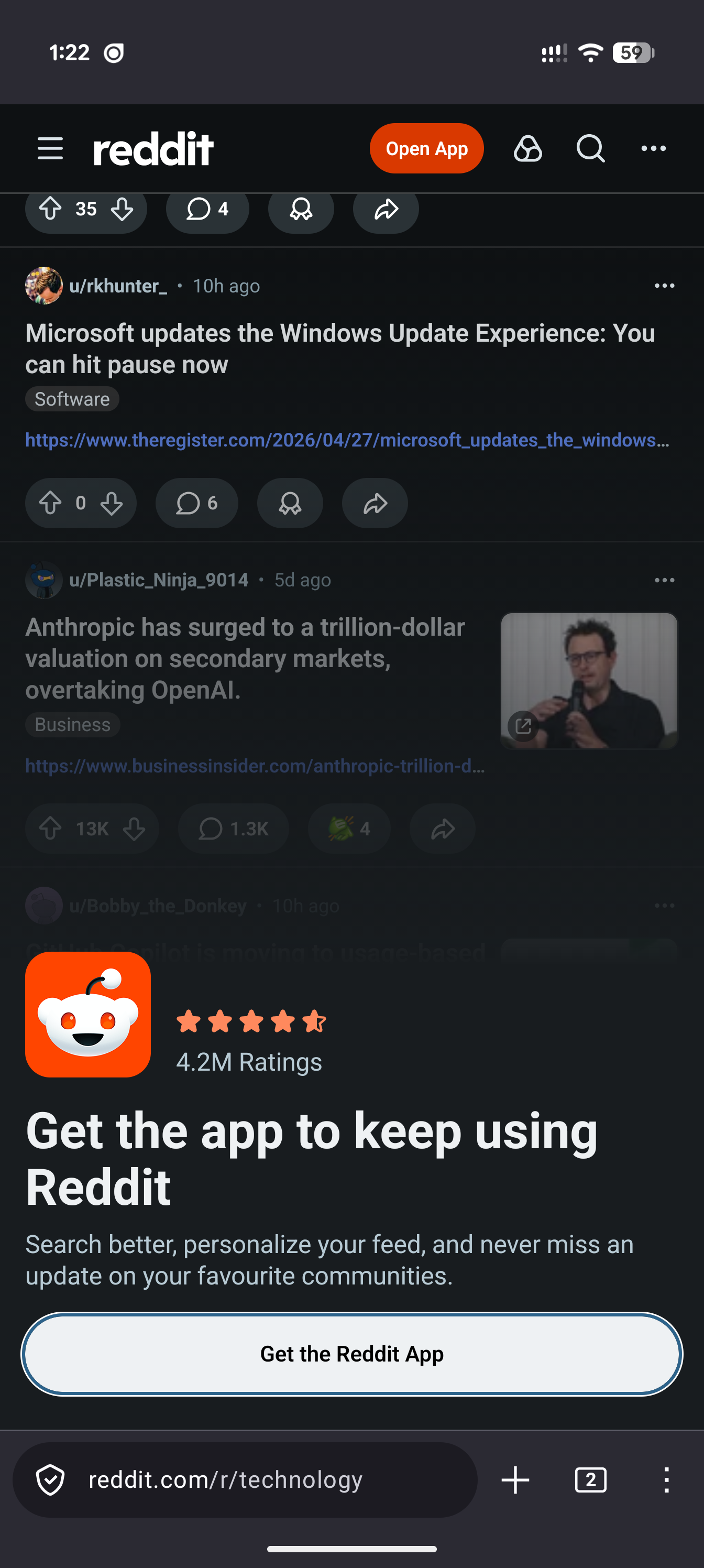
BONUS: Remove the "Log in to view the conversation" popup
If you would also like to remove the "Log in to view the conversation" box that pops up if you click on the comments without being signed in, you can add this as well;
! remove "log in to view comment" popup
www.reddit.com###main-content > .absolute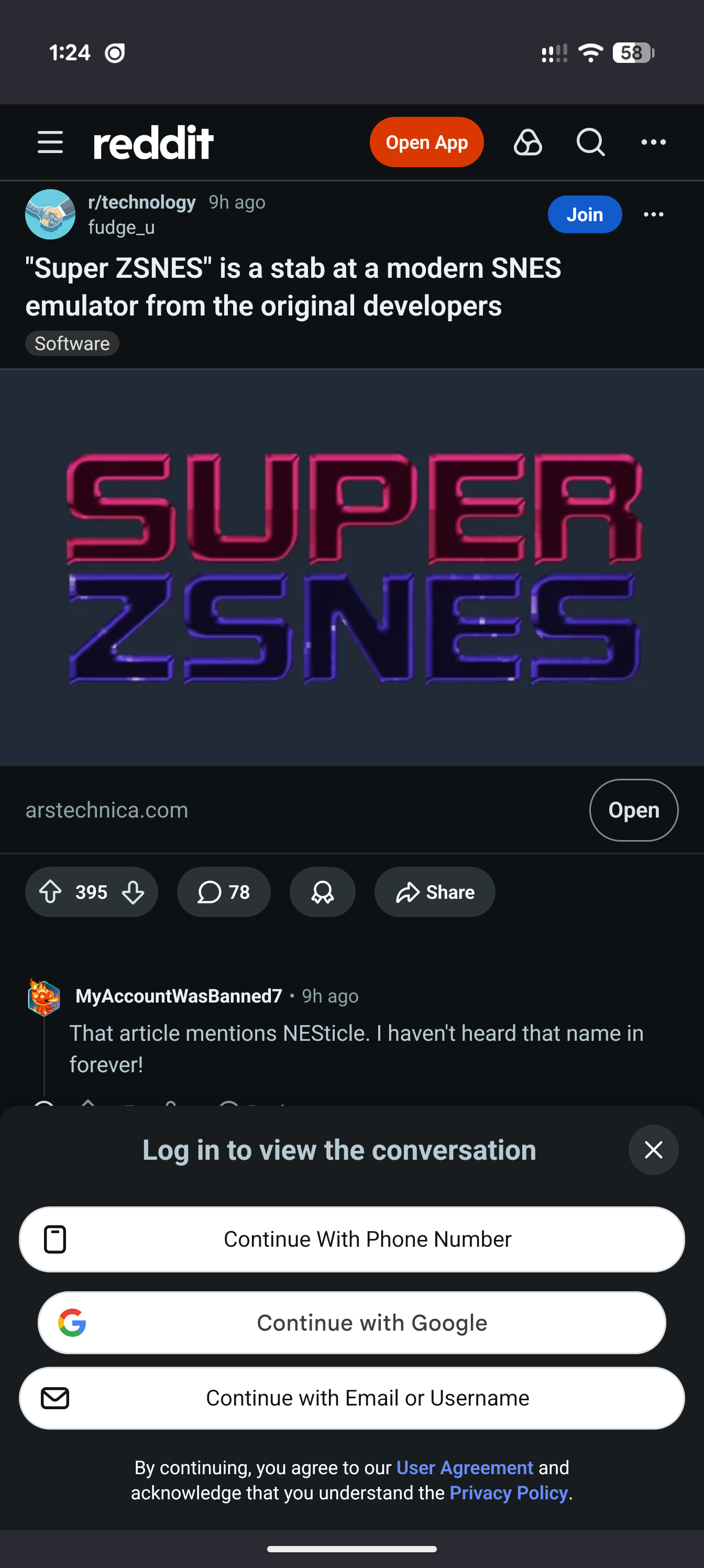
Warning
Reddit may change the IDs of the containers or layout of the page at any time, breaking these exact strings. I will try to keep them updated if that happens, but just know that you can continue to bypass the forced get-app popup if you know the correct elements to block via uBlock Origin.
Might finally be time to ditch Reddit anyway, eh?